Redeem a code in five steps
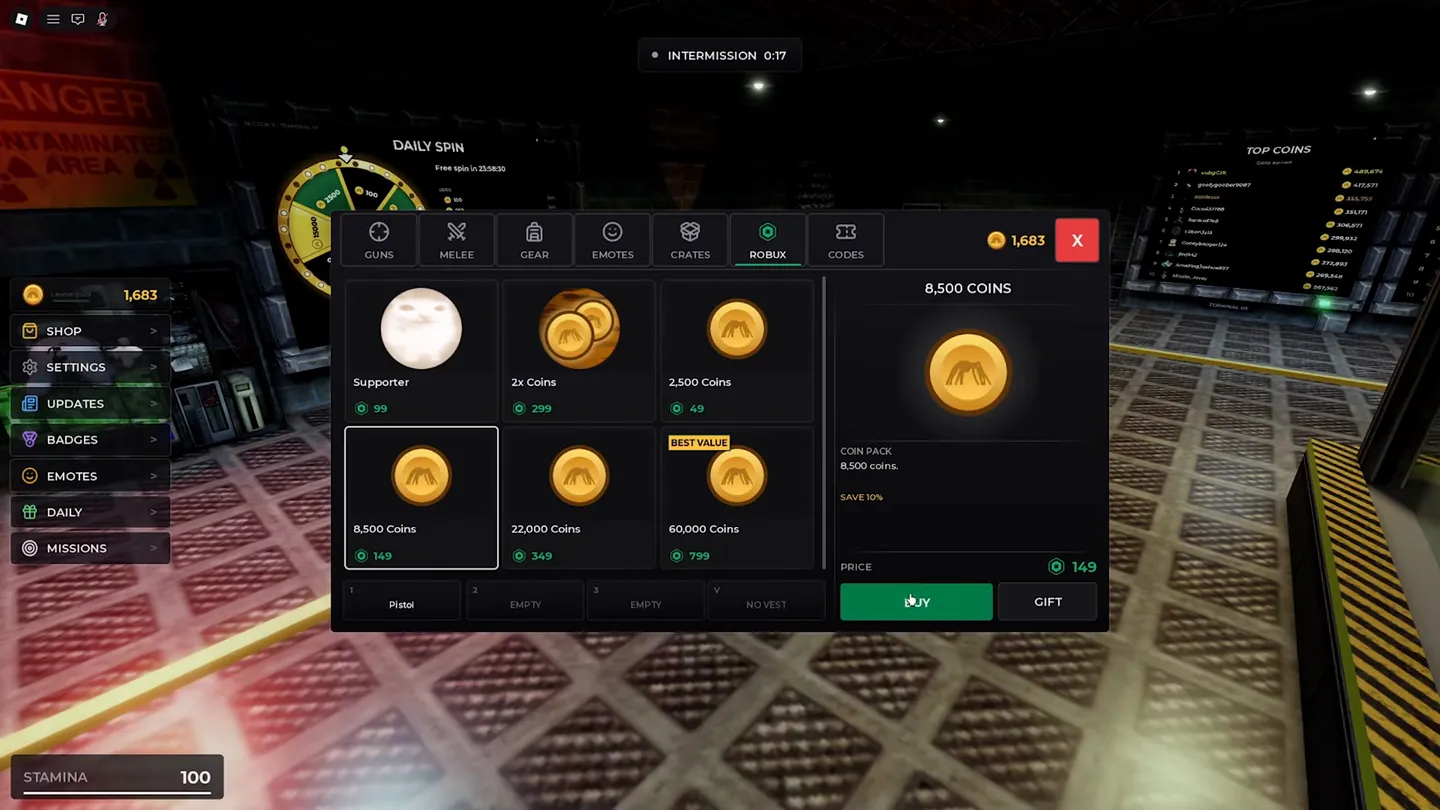
- Open evil crawling things on Roblox and wait until you are standing in the lobby between rounds.
- Press the SHOP button in the menu on the left side of the screen.
- Open the CODES tab, the last tab in the row across the top of the shop window.
- Type or paste the code into the ENTER CODE box in capital letters, with no spaces.
- Press REDEEM. The Coins are added to the balance shown at the top of the shop.
Need a code to try? The working codes list has 2 right now, checked 26 Nov 2026, each with a copy button.
Where the shop button is
The lobby menu runs down the left edge of the screen: SHOP sits at the top, followed by SETTINGS, UPDATES, BADGES, EMOTES, DAILY and MISSIONS. During a round the menu shrinks to SETTINGS, EMOTES and MISSIONS, which is why the shop seems to vanish once the HIDE timer starts. Wait for the results card and the trip back to the lobby, then open it.
Inside the shop, the tabs along the top cover guns, melee, gear, emotes, crates, Robux packs and codes. The Coin balance is in the top-right corner of the panel, so you can see the reward land.
When a code does not work
- Check the spelling and case. Codes are case-sensitive;
fogis notFOG. Pasted text often carries a trailing space. - Already claimed? Each code pays once per account. If you used it last week, it will not pay again.
- Is it disputed? One list retired UPDATE on 19 Nov while four others kept it. The codes page marks codes like that as Disputed, and the expired archive records who retired what.
- Still failing? Rejoin a fresh server and try once more from the lobby. If it fails again, the code has most likely been switched off.
After the codes are used
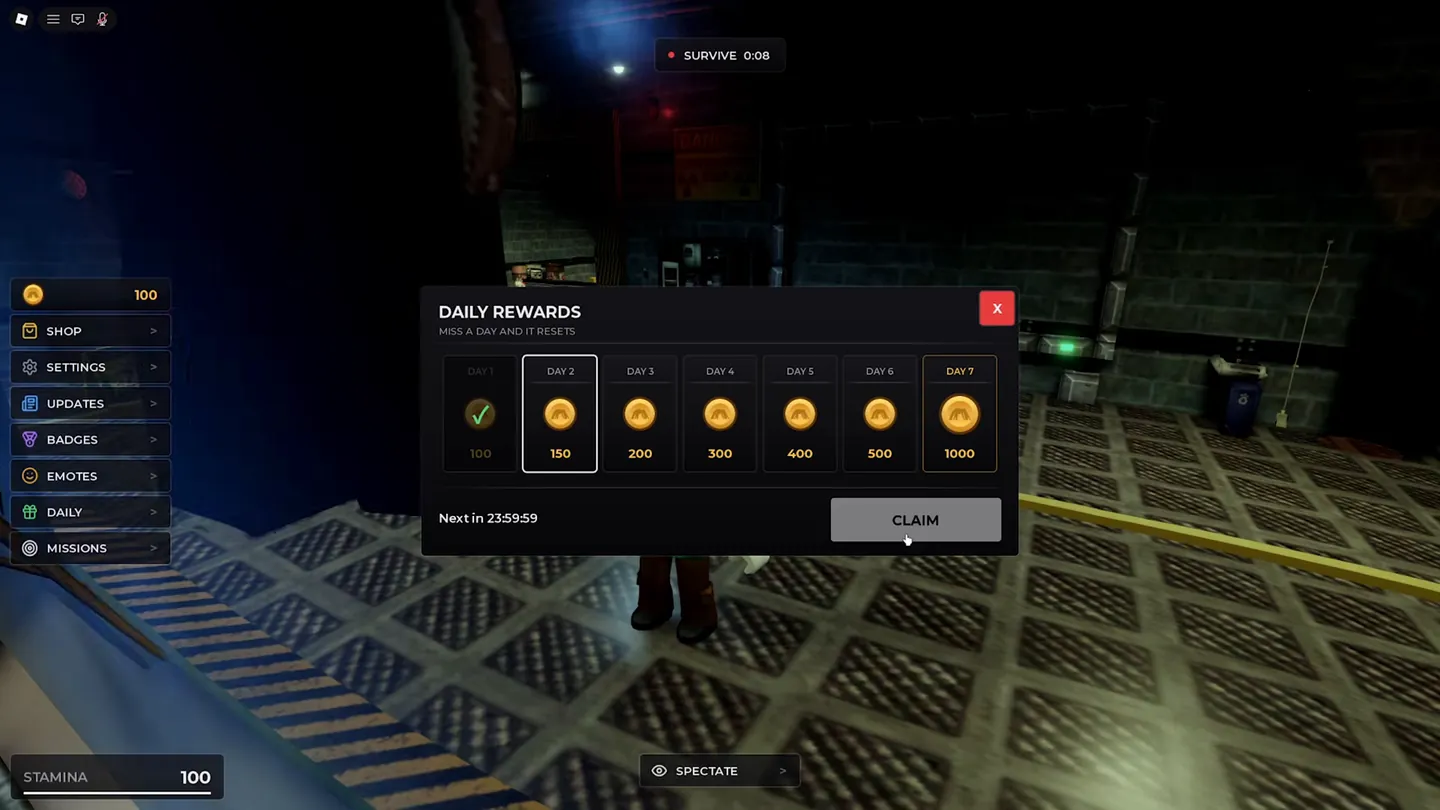
Coins keep coming from rounds you survive, the seven-day Daily Rewards track, the Daily Spin, Daily Missions, and the 1.2× boost for members of the developer’s Roblox community. The how to play guide explains which of those pays most for the time.
Gameplay video
FAQ
Where is the codes box in evil crawling things?
Inside the shop. In the lobby press SHOP on the left, then open the CODES tab at the end of the tab row.
Why can I not find the shop during a round?
The left menu only shows SETTINGS, EMOTES and MISSIONS during a round. The SHOP button comes back in the lobby.
Do I need to be in a group or a certain level to redeem?
None of the public code guides mention a level or group requirement for codes.
Can I redeem codes on mobile?
The guides describe one shop panel with the same CODES tab; none mentions a separate mobile path.
Sources
- Roblox Den — Evil Crawling Things codes — Lists FOG, UPDATE and RELEASE, 3 active / 0 expired; re-read automatically
- GameRant — Evil Crawling Things codes — Lists FOG as working and UPDATE as expired (published 19 Nov 2026)
- GAMES.GG — Evil Crawling Things codes — Lists FOG, UPDATE and RELEASE, 10,250 Coins in total (as of 21 Nov 2026)
- Destructoid — Evil Crawling Things codes — Lists UPDATE and RELEASE, “no expired codes” (23 Nov 2026)
- Pro Game Guides — Evil Crawling Things codes — Lists UPDATE and RELEASE (updated 18 Nov 2026)
- Mrx4u on YouTube — “What Is THAT??? | Roblox Evil Crawling Things” — Lobby, map vote, shop, LARRY round, BREAK FREE and results card, shown on screen
- Berlian kecil on YouTube — “2 NEW CODES & HOW TO PLAY evil crawling things ROBLOX | NOVEMBER 20, 2026” — Codes and how-to-play video, 19 Nov 2026